




A Complete Guide to PTZ Controller
2024-03-12
What is PTZ Controller?
PTZ Controller stands for Pan-Tilt-Zoom Controller. It's a device or software used to control Pan-Tilt-Zoom cameras, which are often used in surveillance, broadcasting, and video conferencing systems. PTZ cameras allow users to remotely control the direction (pan and tilt) and the magnification (zoom) of the camera lens.
PTZ controllers can be hardware-based devices with joystick controls, buttons, and knobs for manipulating camera movements and settings. Alternatively, PTZ control can also be achieved through software applications running on computers or mobile devices, offering on-screen controls or virtual joysticks.
These controllers are essential for managing PTZ cameras in various applications, providing users with the ability to adjust the camera's viewing angle, focus, and zoom level remotely to capture specific areas or objects of interest. They are commonly used in security systems for monitoring large areas, in broadcasting for dynamic camera movements, and in video conferencing for focusing on participants during meetings.
PTZ controllers can be hardware-based devices with joystick controls, buttons, and knobs for manipulating camera movements and settings. Alternatively, PTZ control can also be achieved through software applications running on computers or mobile devices, offering on-screen controls or virtual joysticks.
These controllers are essential for managing PTZ cameras in various applications, providing users with the ability to adjust the camera's viewing angle, focus, and zoom level remotely to capture specific areas or objects of interest. They are commonly used in security systems for monitoring large areas, in broadcasting for dynamic camera movements, and in video conferencing for focusing on participants during meetings.
PTZ Camera Control Options
There are various options for controlling PTZ cameras. Here are some of them:
IR Control
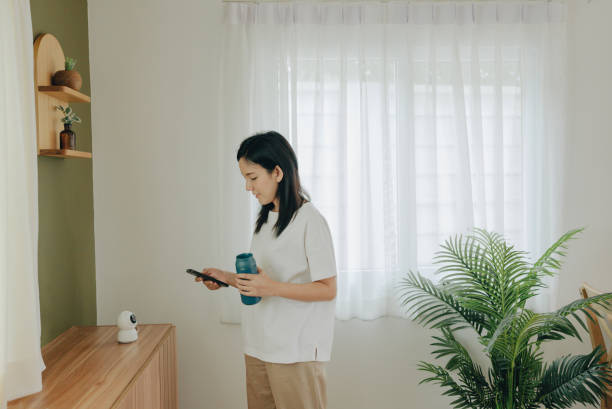
An infrared remote (IR) controller presents perhaps the most straightforward method of managing a PTZ camera. Resembling a typical TV remote, this wireless device features all the necessary numeric and functional keys for seamless camera operation. Often affixed to each camera unit, IR controllers provide a convenient means of camera control.
Despite its utility in controlling multiple cameras, the IR controller lacks the intuitiveness of alternative control methods. Furthermore, its functionality is confined to a basic set of features for camera management and preset recall. Primarily suited for close-range camera operation, it proves less effective when cameras are positioned at a distance from the operator, such as when mounted on ceilings or dispersed across a school campus.
Despite its utility in controlling multiple cameras, the IR controller lacks the intuitiveness of alternative control methods. Furthermore, its functionality is confined to a basic set of features for camera management and preset recall. Primarily suited for close-range camera operation, it proves less effective when cameras are positioned at a distance from the operator, such as when mounted on ceilings or dispersed across a school campus.
Advantages:
- Typically included with cameras
- Wireless functionality
- Features shortcuts for swift camera setup on IP networks
- Intuitive button layout
- Capable of managing multiple cameras simultaneously
Disadvantages:
- Restricted range, particularly ineffective over long distances
- Susceptible to interference from infrared sources
- Limited capacity for controlling multiple cameras
- Constraints on adjusting camera speed
Joystick Controller
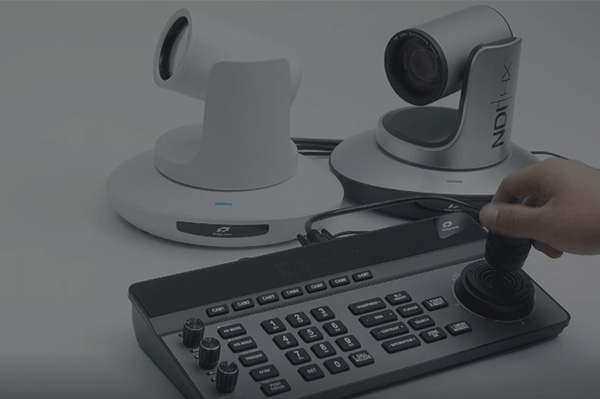
A PTZ camera controller featuring a joystick offers versatile connectivity options, including Ethernet and serial control cabling, enhancing the control and adaptability of any PTZ camera arrangement.
Distinguished by its array of capabilities, a PTZ joystick controller provides comprehensive control over cameras, enabling users to tailor the pan, tilt, and zoom speeds to their preferences. Additionally, with minimal button input, users can effortlessly navigate the camera to predefined pan, tilt, and zoom positions.
To become acquainted with the PTZ camera joystick, connecting your camera and exploring its functionalities by panning, tilting, and zooming is recommended. Subsequently, configuring presets and adjusting settings will grant mastery over fundamental operations, facilitating further optimization of its performance.
Distinguished by its array of capabilities, a PTZ joystick controller provides comprehensive control over cameras, enabling users to tailor the pan, tilt, and zoom speeds to their preferences. Additionally, with minimal button input, users can effortlessly navigate the camera to predefined pan, tilt, and zoom positions.
To become acquainted with the PTZ camera joystick, connecting your camera and exploring its functionalities by panning, tilting, and zooming is recommended. Subsequently, configuring presets and adjusting settings will grant mastery over fundamental operations, facilitating further optimization of its performance.
Advantages:
- Specifically designed for PTZ camera control
- Provides rapid access to diverse options
- User-friendly for volunteers, beginners, and inexperienced personnel
- Offers the easiest method for adjusting PTZ camera speed
Disadvantages:
Demands table space for operation
Software

In recent years, software-based controls for PTZ cameras have surged in popularity. Programs such as vMix, Wirecast, OBS, MimoLive, and Livestream Studio now enable seamless operation of PTZ cameras. While each software boasts unique functionalities for panning, tilting, and zooming, they all offer similar benefits.
The rising adoption of software control is attributed to its advantageous features. Despite its compact interface for basic camera controls, it harbors extensive capabilities. Some notable features include:
The rising adoption of software control is attributed to its advantageous features. Despite its compact interface for basic camera controls, it harbors extensive capabilities. Some notable features include:
- Customizable naming of presets with image representations
- Live video preview mode with automatic camera switching
- Adjustable Pan, Tilt, and Zoom speeds
- Locking mechanisms for Pan and Tilt speeds
- Focus controls with adjustable speed
- On-screen display controls
- Real-time status reporting of camera options
- Configurable Pan and Tilt limits
- Control over speed transitions between PTZ presets
- Furthermore, a notable feature is the ability to associate PTZ presets with images within buttons. Upon creating a preset, an image representing the camera's destination is automatically stored within the respective button. This visual aid facilitates quick identification of the camera's movement.
Advantages:
Offers an integrated experience for software users
Introduces advanced levels of camera operation and automation
Introduces advanced levels of camera operation and automation
Disadvantages:
Difficult to share camera control responsibilities among multiple users
May entail increased licensing costs in certain cases
May entail increased licensing costs in certain cases
Smartphone Apps
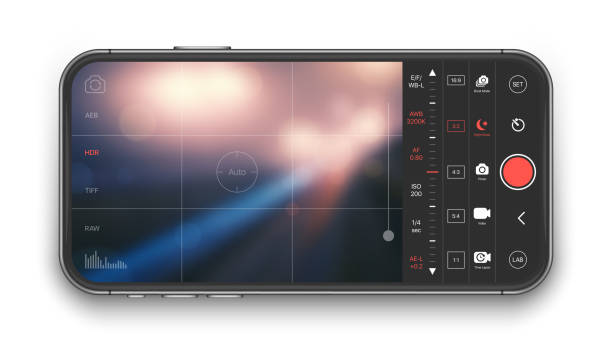
Certainly, this control option stands out as the optimal choice for beginners. Featuring an exceptionally intuitive and user-friendly interface, it enables individuals new to PTZ cameras to effortlessly manage their operations. Simply accessing the PanTiltZoom App settings menu and inputting the camera's IP address suffices to get started. With the capacity to oversee up to 8 cameras simultaneously, the currently active camera is conveniently highlighted.
By tapping the zoom and focus buttons, users can readily adjust the camera's focus without inadvertently altering other settings, ensuring precise control.
This control setup boasts an array of features, including the ability to establish presets. Utilizing a monitor display for video preview, users can position the camera at desired locations and designate presets with the press of a button.
Another notable feature is the option to lock the camera's tilt, particularly useful when tracking subjects horizontally without the need for vertical movement. Additionally, the user interface incorporates subtle buttons surrounding the manual PTZ joystick, facilitating minor adjustments.
By tapping the zoom and focus buttons, users can readily adjust the camera's focus without inadvertently altering other settings, ensuring precise control.
This control setup boasts an array of features, including the ability to establish presets. Utilizing a monitor display for video preview, users can position the camera at desired locations and designate presets with the press of a button.
Another notable feature is the option to lock the camera's tilt, particularly useful when tracking subjects horizontally without the need for vertical movement. Additionally, the user interface incorporates subtle buttons surrounding the manual PTZ joystick, facilitating minor adjustments.
Advantages:
- Wireless PTZ controller
- Cost-effective option
- Highly portable
- Variable speed control capability
- Regular software updates
Disadvantages:
- Requires a mobile device for operation
- Dependent on battery life and Wi-Fi connectivity
How To Use PTZ Controller?
To master the art of controlling a PTZ camera, understanding the operation of a controller is essential. Typically resembling a joystick, a controller enables manipulation of various camera functions and features, such as:
- Adjusting brightness
- Powering the camera
- Switching between cameras
- Focusing
- Accessing presets
- Zooming
- Panning
- Tilting
In addition to joysticks, controllers incorporate buttons and knobs to provide users with enhanced camera control. Connecting the controller to the camera is typically achieved through either a LAN or serial port, depending on the model selected.
While controllers offer substantial control capabilities, connecting to a PC can provide even greater control options.
Furthermore, wireless control alternatives are available, each warranting consideration to optimize control convenience and production quality.
PTZ controllers serve as potent enhancements to camera setups, and mastering their use is imperative. A proficiently utilized controller enhances production value by facilitating swift adjustments to pan-tilt-zoom operations and potentially enabling seamless toggling through presets.
While controllers offer substantial control capabilities, connecting to a PC can provide even greater control options.
Furthermore, wireless control alternatives are available, each warranting consideration to optimize control convenience and production quality.
PTZ controllers serve as potent enhancements to camera setups, and mastering their use is imperative. A proficiently utilized controller enhances production value by facilitating swift adjustments to pan-tilt-zoom operations and potentially enabling seamless toggling through presets.
 Reasons to Avoid Purchasing Inexpensive Security Cameras
  How to Protect a Cctv Camera from Rain
  What's the Difference Between 4k and 1080p?
  Benefits of Surveillance Cameras in Public Places
  How to Prevent Camera Lens from Fogging at Night
  How Long Do Security Cameras Keep Footage?
  A Guide to Hiding Security Cameras
  Best 10 Places to Put Security Cameras
  How to Power Wireless Cameras
  How to Choose the Best Security Camera Housing
  CCTV Camera Vs IP Camera: What's the Difference?
  The Top 10 CCTV Problems You Need to Fix
  Difference Between Thermal Imaging and Infrared
  How Does a Thermal Imaging Camera Work
  How Do Wireless Security Cameras Get Power
  A Guide to Reset PTZ Camera Settings
  How to Protect Outdoor Security Cameras like a Pro
  CCTV Meaning in Business Security
 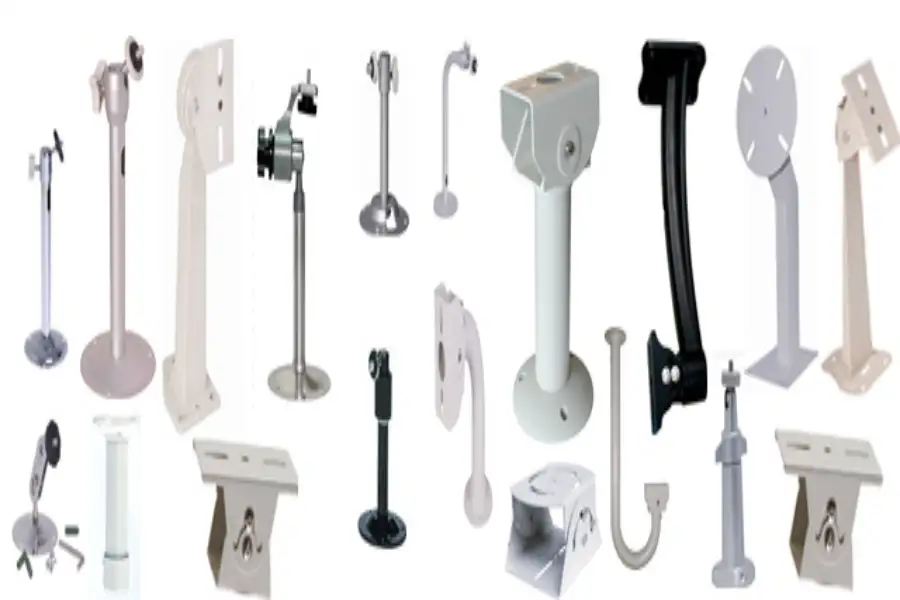 What Are the Different Types of CCTV Camera Bracket?
 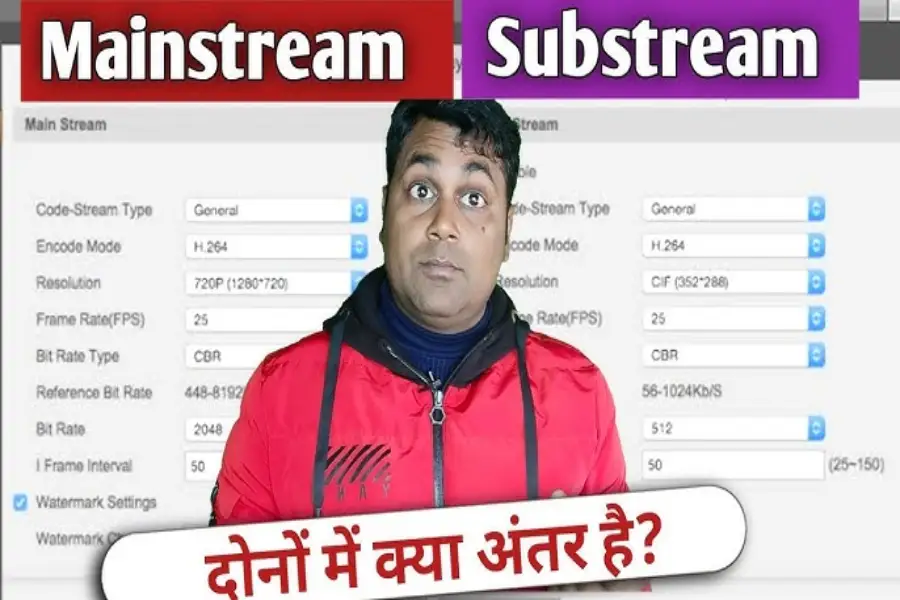 What Is the Difference Between Mainstream and Substream